Private vs Public IP
Private vs Public IP: Understanding the Difference and How They Work Together
Whenever ou open a website, watch a video or chat online, your device touches the online world through a unique numerical identity known as an IP address. But I must ask you: have you ever wondered why, at home your laptop has an IP address and the internet it has another? And the difference between private and public IP addresses.
The knowledge of these two addresses allows you to know how the networks work, how they connect to the Internet and how our online privacy is correctly protected. We will discuss: private vs public IP addresses, how they work, their differences, the security significance of the public address range & of your own address finding. This article will help you clear your concept of IP addressing, whether you’re a novice or managing a network.
What Is an IP Address?
An IP address is a numerical identifier used to identify devices on the internet. Think of it as an address that routers, computers, smartphones servers and other devices use to identify each other and connect.
Your home address helps a delivery company know where to drop off a package, and Web addresses tell the Internet how to get information to the right device on the network.
When you visit a website, your computer sends a request to the site using its IP address of any object and the type; then this form is applied and returns to that IP address.
There are two types of IP addresses, basically.
- Private IP addresses
- Public IP addresses
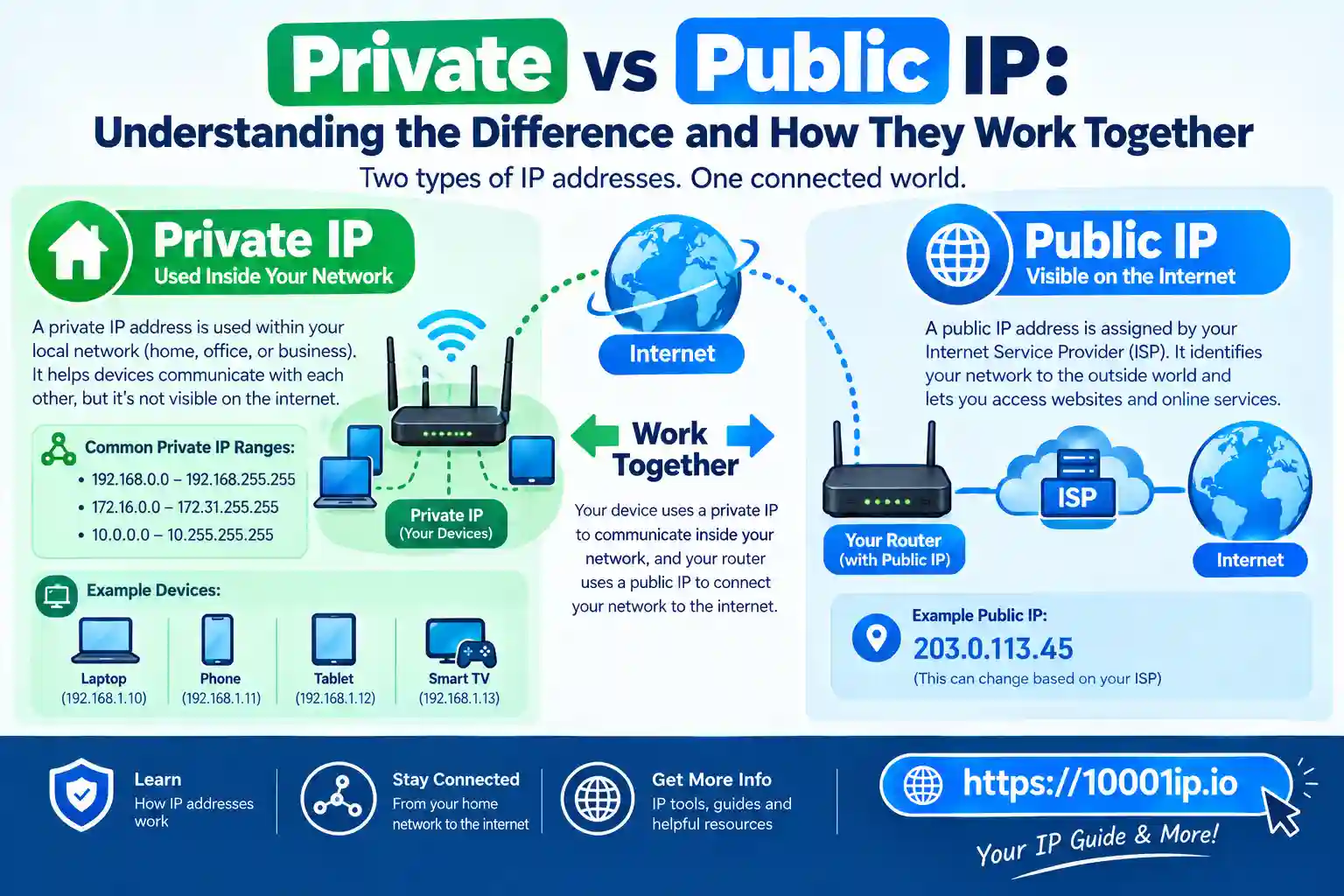
Both are important but for different things. Private IP is used within a local network while public IP connects this network to the overall internet.
What Is a Public IP Address?
A public IP address is the one that has been assigned to your network by your Internet Service Provider or ISP. The public IP address is the one that can be seen on the web and it will allow your house or commercial enterprise networks to talk with outside networks.
Your Internet Service Provider, or ISP, provided your router a public IP address when you connected it to the internet. This address is used by websites, online services and other internet-connected systems to return information directly to your network.
So, watching a YouTube video means that your request jumps from your device to your router with use of your public IP address.
YouTube’s servers send the video data back over the same internet connection. A public IP address is unique worldwide. Two different networks cannot have the same public IP address at the same time as it would create communication conflicts.
How Does a Public IP Address Work?
Your router represents the connection between your private network and the internet. It uses the public IP address to talk outside.
For example, a heavy process will be like this:
- Your laptop wants to access a website.
- The router receives the request.
- When you make a request, it is routed to your public IP address.
- The website’s server recognizes your network and returns data.
- The router then relays the information to your device.
Every time you surf the internet, this process occurs in a matter of seconds.
What Is a Private IP Address?
Private IP address – an address assigned to devices within the same local network. Such devices can be computers, smartphones, smart TVs, printers, security cameras and other connected home appliances.
Private IPs allow devices on the same network to communicate without direct exposure to the internet. For instance your personal router at home may consist of:
- Laptop: 192.168.1.10
- Smartphone: 192.168.1.11
- Printer: 192.168.1.12
- Smart TV: 192.168.1.13
They can interact via private IP addresses but remain unexposed to the internet at large.
Most routers directly assign private IP addresses automatically with DHCP (Dynamic Host Configuration Protocol).
Private IP Address Ranges
The Internet Engineering Task Force (IETF) reserves private IP addresses for local area networks. Those are addresses that cannot be routed on the public Internet.
The three ranges of private IPv4 addresses are the following:
Class A Private Range
10.0.0.0 – 10.255.255.255. This range is often used by big corporations as it can accommodate millions of devices.
Class B Private Range
172.16.0.0 – 172.31.255.255. This range is typically used in small to medium-sized networks and enterprise networks.
Class C Private Range
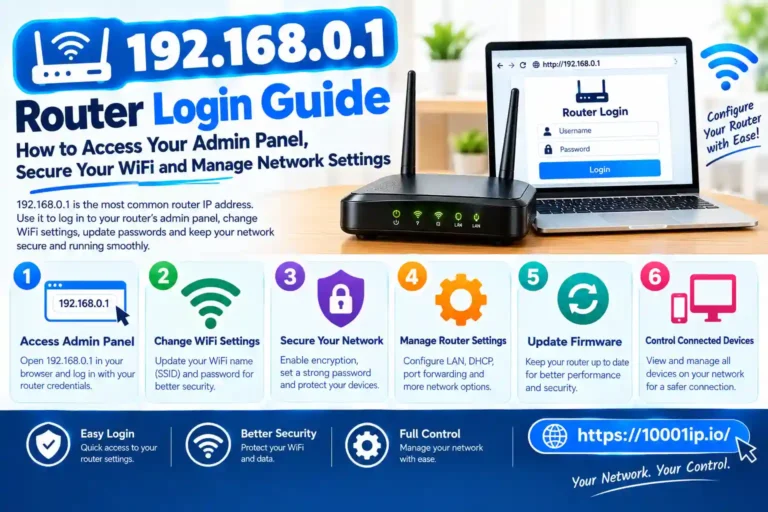
192.168.0.0 – 192.168.255.255. This is the most widely used frequency range in the home or office.
Common addresses used by most home routers:
- 192.168.0.1
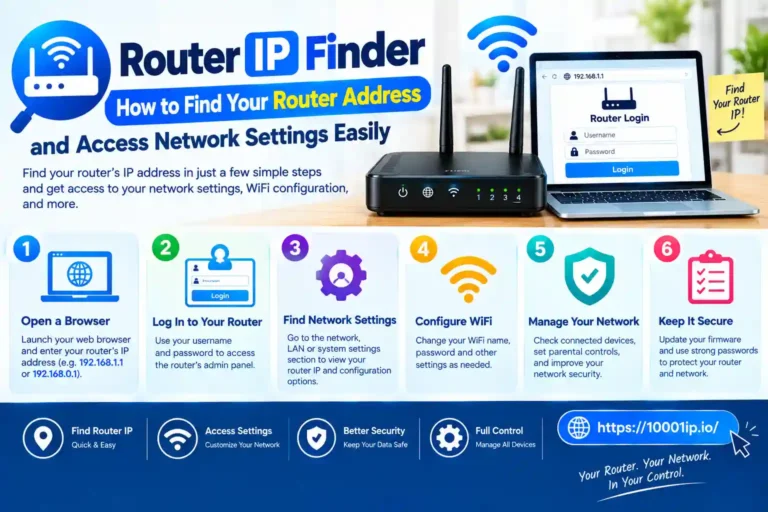
- 192.168.1.1
- 192.168.100.1
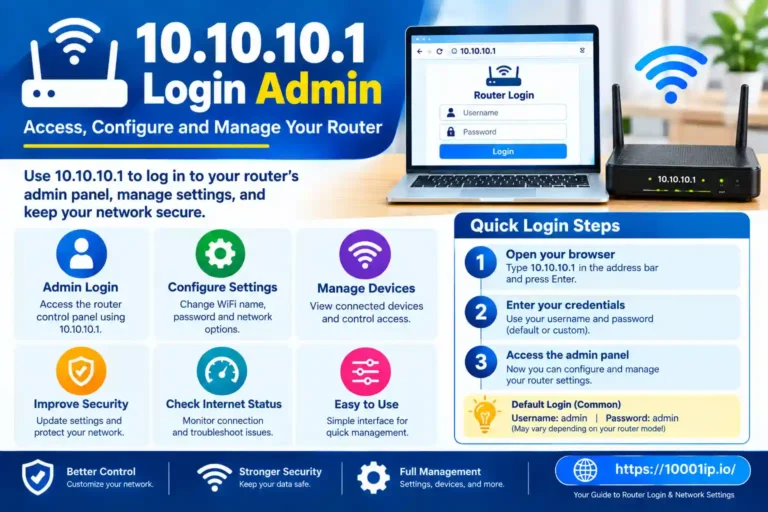
- 10.0.0.1
How Do Private IP Addresses Connect to the Internet?
Private IP addresses cannot access the Internet directly. NAT allows them their own IP system. NAT enables multiple devices with private IP addresses to share a single public IP address.
For example:
Your home network:
- Laptop: 192.168.1.20
- Phone: 192.168.1.21
- Tablet: 192.168.1.22
Your ISP provides:
- Public IP: 103.45.67.89
When communicating online, the router translates private addresses into public IP addresses.
It saves the public IPs and layers internal devices with an external layer instead of exposing them directly to the Internet.
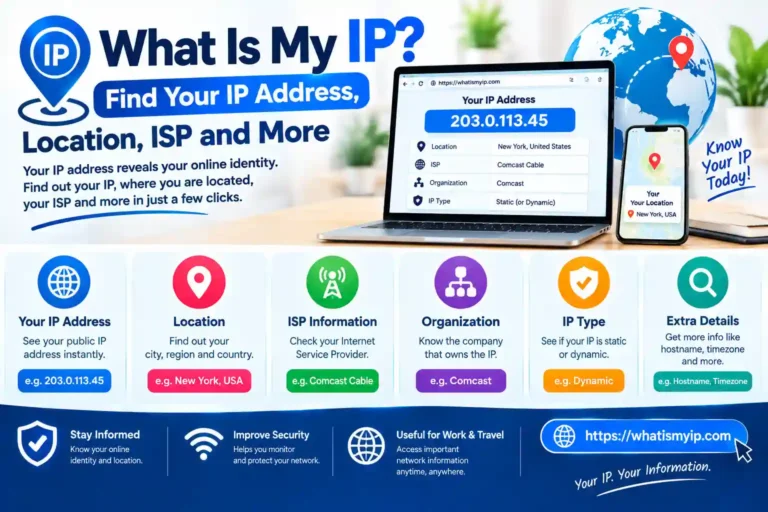
How to Get Public IP Address
It is very simple to find your public IP address.
You can search:
Most online services will instantly reveal your public IP address.
Your ISP controls this address. Every few times, your public IP can vary if you have a dynamic IP connection. A few users and organizations obtained a static public IP address that is no different from that. Static IPs are useful for:
- Hosting websites
- Running servers
- Remote access systems
- Business networks
How to Find Your Private vs Public IP
You can find your private IP Address through your device settings.
On Windows
- Open Settings
- Select Network & Internet
- Open your connected network properties
- Look for the IPv4 address
You can also use CMD:
- ipconfig
You can see your private IPv4 address here.
On Mac
- Open System Settings
- Select Network
- Select Your Wi-Fi or Ethernet Connection
- View the IP address details
Are Public IP Addresses Dangerous?
Public IP addresses themselves are not harmful. Almost every setup for an internet-ready device uses one. However, it is available on the internet and attackers can execute various activities such as:
- Scanning for open ports
- Finding vulnerable services
- Attempting unauthorized access
Good security practices include:
- Keeping your router firmware updated
- Using strong passwords
- Enabling firewall protection
- Avoiding unnecessary port forwarding
A public IP address does not reveal your exact home address but it can provide approximate location and internet service provider information.
Conclusion
The main difference between a private and public IP address is their purpose, that is, how they are used and where. A public IP address is routable and accessible over the Internet globally while a private IP address enables devices on your internal network to communicate privately.
Your router uses both types of addresses together. Your devices are internally connected via private IP addresses and your public IP is identified as a whole network online by the ISP.
By understanding the difference between public and private IP addresses, you can better manage your internet connection improve security on your network and troubleshoot other related issues.
IP address usage and how they work, whether you are on a home Wi-Fi connection or managing a business network, gives you more control over your digital surroundings.